
step Digital Sacks
Digital Sacks are part of an exciting new Digital Transitions programme for young people from Gypsy/Traveller and Roma families. Digital Sacks contain amazing technology to help you study while travelling, build new digital skills, and make flexible learning a lot easier! Get in touch with STEP, your school or local education contact to get involved.
Practitioners visit the Digital Transitions Programme pages for more details.
What is a Digital Sack?
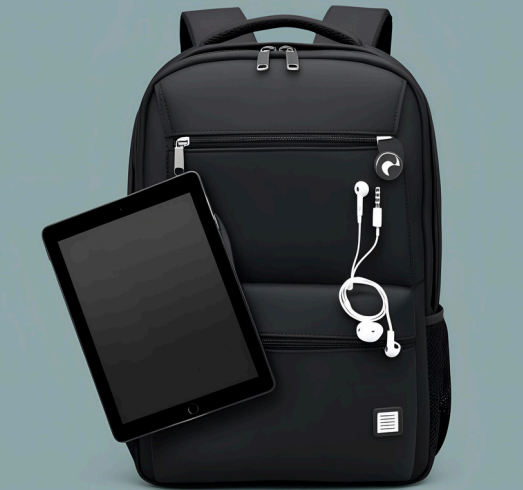
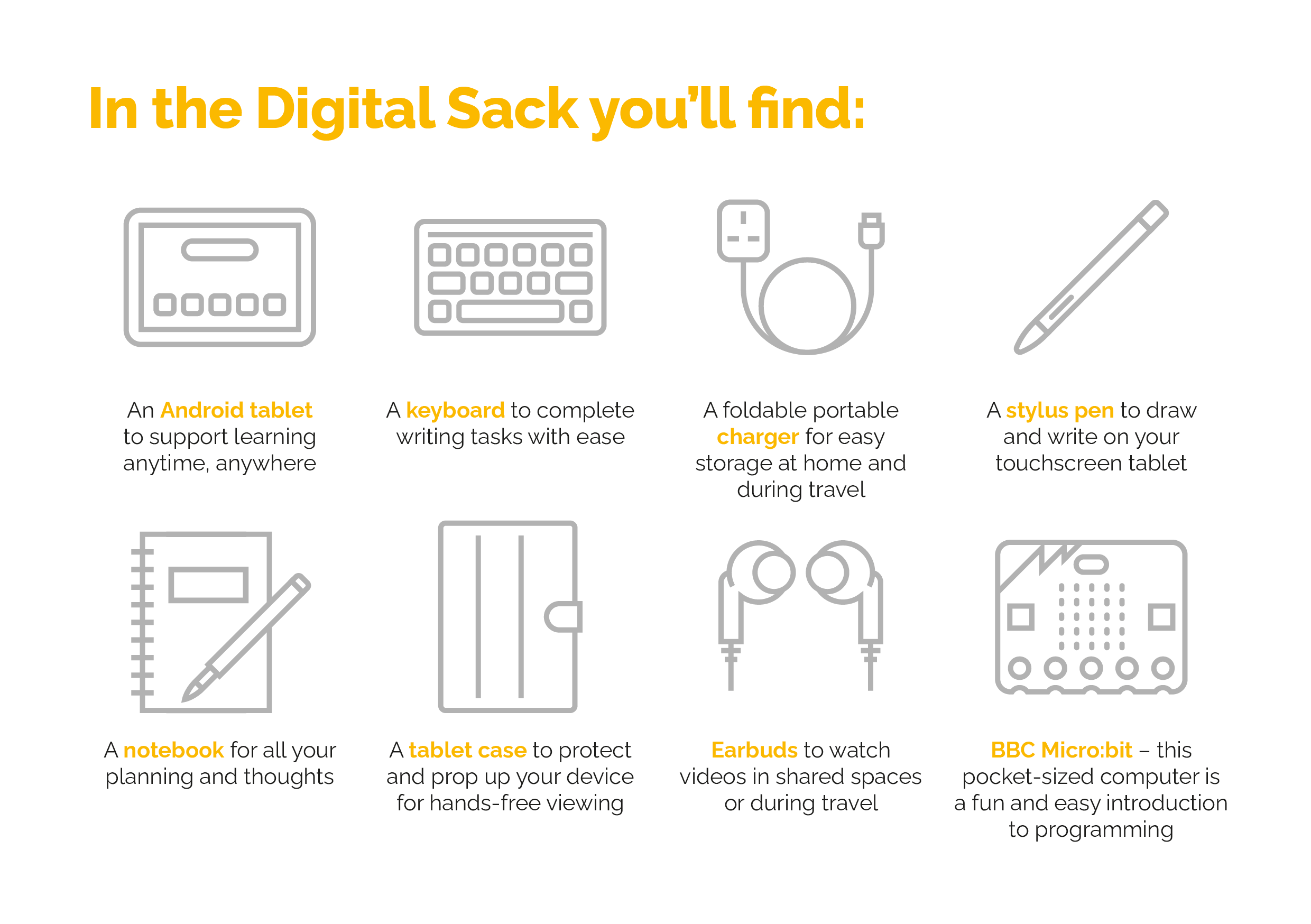
The Digital Sack is an amazing kit to help you get started with using digital technology for learning. You get a backpack with a tablet device, digital accessories like a keyboard, stylus pen and earbuds. Visit the virtual toolkit below for help setting up your new devices. You’ll also find online resources to help with your digital learning. Your teacher will help you use the Sacks to support your pathway through education.
If you want to know more but don’t know who to contact, use our map to find you local education contact. Or get in touch with STEP directly on step@ed.ac.uk or 013165164444.

How will the Digital Sack help me?
The STEP Digital Sack can help you in lots of different ways. It can help you with school work, study for qualifications, explore career pathways or learn new skills such as:
Organise and plan your learning
Develop your writing skills
Build study skills like note-taking
Find information to help with learning or career planning
Creative digital skills like making presentations or media
Using different apps and online learning platforms
Digital sack virtual toolkit


Digital Sack support hub
Here’s your quick guide to what’s in your new Digital Sack. Remember to ask your teacher or expert adult for help
staying safe online
Find important information about using technology and online content in safe and responsibly ways.
Digital Learning
Digitally-mediated opportunities for learning are endless. Here are some of the most useful apps and platforms
BBC Mirco:bit help
What is a BBC Micro:bit? Here’s some information to help you get started with your pocket-sized computer.

Wider achievement and awards
There are lots of ways to get qualifications and awards. Have a look at some of the most popular and successful pathways.
Digital Blog
Getting back to basics – learn foundational digital skills for work and study
Digital Unite have lots of really easy guides to help with the basics of using digital technology. Their easy read tech guides include instructions for connecting to the internet and setting up your first email account. Learn My Way also provide easy guides and online...
Making smart choices online
There are lot of important things to think about when you're online and when you're using or sharing information virtually. Here are some top tips from Childline to think about before going online. Then visit our Padlet to find more information and organisations that...
New Digital Zone launched!
If you're part of the amazing Digital Sacks pilot programme, then you'll have the interactive information card. Scan the QR with your phone to access the STEP Digital Zone. Here you can find resources to help with digital learning and the Digital Sack support hub for...